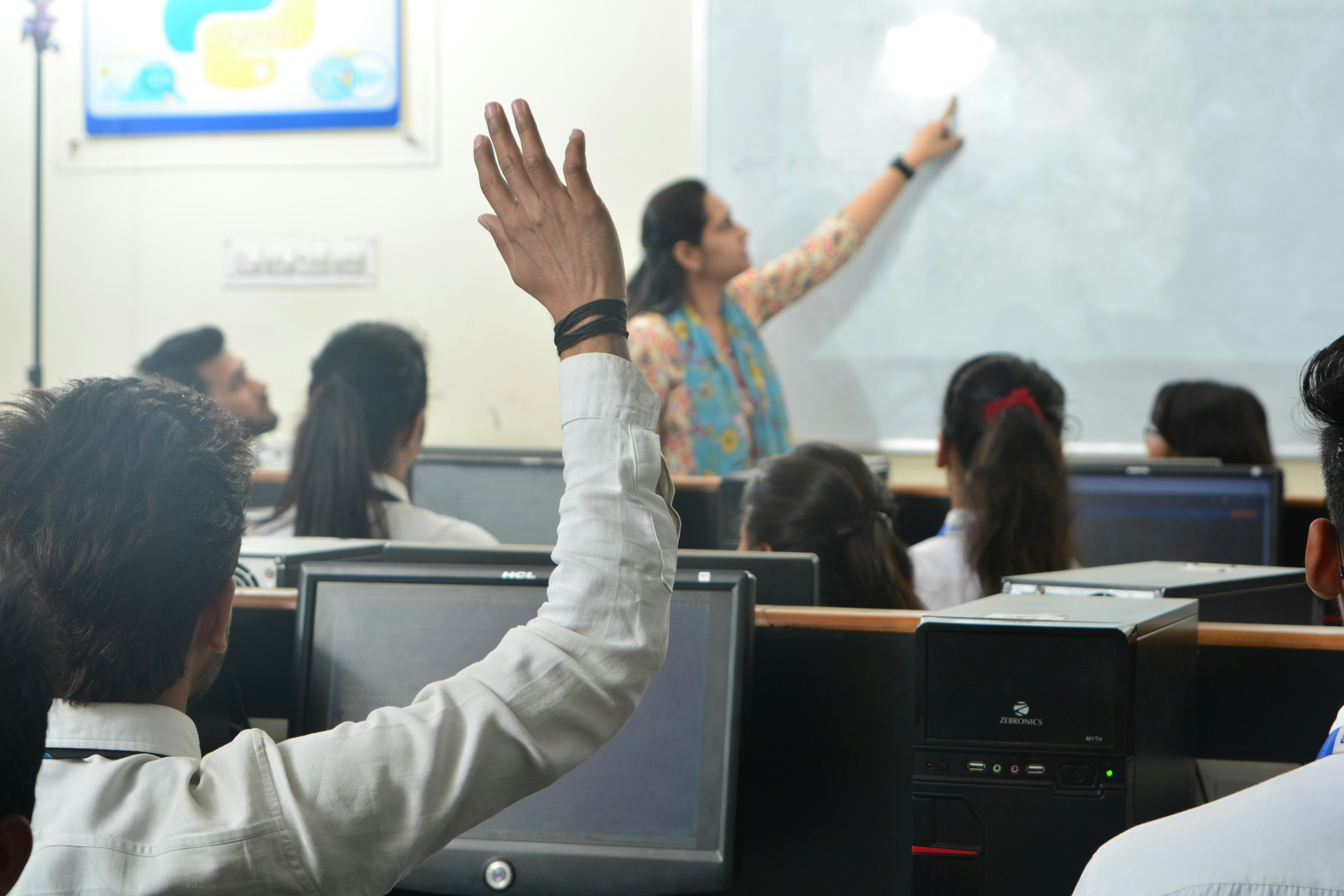
Live classroom or team cohort training
Operating System Virtualization - Master's
A practical course for administrators who need to connect host limits, guest behavior, container boundaries, snapshot risk, and RVTools inventory evidence into one operating model.
- Format
- Instructor-led lab rotation
- Audience
- IT operations, platform, and help desk leads
- Tuition
- Quoted by phone after team scope is known
Start by role
Choose the estate you need to stabilize
The course changes emphasis based on whether the team is cleaning up host capacity, standardizing guests, or building a repeatable OS virtualization practice.
What gets practiced
Four layers, one troubleshooting story


Lab rotation
Build a call brief before you book
Use the controls to describe the cohort. Nothing is submitted from this page; the brief is copied so your team can use it when calling.
Operator and pricing route
Speak with the course desk before a seat is held
Lakewood, CO 80215
United States
(303) 386-4434
Tuition is quoted after the delivery mode, seat count, and lab scope are confirmed. There is no checkout on this site.